9 Signs Your WordPress Website Needs Professional Maintenance

Your Website Is Live… But Is It Really Being Maintained?
Launching a website is an exciting milestone for any business. However, many website owners make one common mistake—they believe the work ends once the website goes live.
The truth is, a WordPress website requires regular maintenance to remain secure, fast, and reliable. Just like a car needs routine servicing, your website needs ongoing care to prevent problems before they become expensive emergencies.
Ignoring website maintenance can lead to slow loading speeds, broken features, security vulnerabilities, compatibility issues, and even complete website downtime. These problems not only frustrate visitors but can also affect your business reputation and potential sales.
Whether you run a small business website, an online store, or a company portfolio, here are nine warning signs that indicate your WordPress website may need professional maintenance.
1. Your WordPress Website Hasn’t Been Updated in Months

WordPress constantly releases updates to improve security, performance, and compatibility. Theme developers and plugin authors also publish updates regularly.
If your website hasn’t been updated for several months, it may already be running outdated software.
Outdated components often contain known security vulnerabilities that hackers actively search for. They may also become incompatible with newer versions of PHP or your hosting environment.
Regular maintenance ensures:
- WordPress core stays updated
- Plugins remain compatible
- Themes continue working properly
- Security patches are installed promptly
Keeping everything updated is one of the easiest ways to protect your investment.
2. Your Website Has Become Slower Over Time
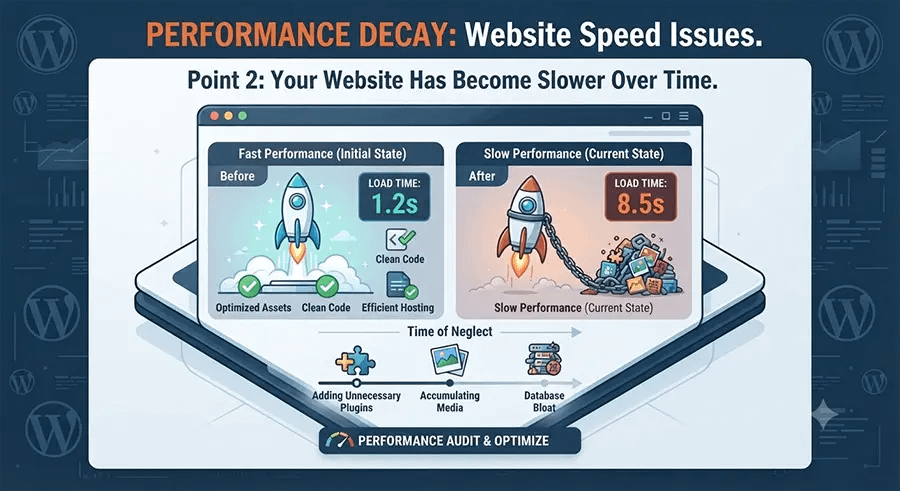
Has your website gradually become slower than it used to be?
Many business owners assume slow websites are caused by poor hosting, but that’s only one possible reason.
Common causes include:
- Too many plugins
- Unoptimized images
- Database bloat
- Old caching settings
- Heavy themes
- Excessive JavaScript or CSS
- Plugin conflicts
A slow website creates a poor user experience. Visitors become impatient and may leave before viewing your products or contacting your business.
Professional maintenance includes regular performance reviews to identify what’s causing the slowdown and improve loading times before they affect your visitors.
3. Contact Forms Are No Longer Sending Enquiries

This is one of the most overlooked website problems.
Your contact form may appear to work perfectly, but the emails never reach your inbox.
Many businesses don’t discover this until weeks or months later when a customer mentions they never received a reply.
Common reasons include:
- SMTP configuration problems
- Plugin conflicts
- Hosting email restrictions
- Spam filtering
- Server updates
Regular maintenance includes testing important website functions such as enquiry forms to ensure you never miss valuable leads.
4. You’re Seeing Plugin Errors or Website Warnings

Have you noticed messages like:
- Critical Error
- White Screen of Death
- PHP warnings
- Layout problems
- Broken buttons
- Missing images
These issues usually appear after updates or compatibility changes.
Attempting to fix these problems without understanding the cause can sometimes make the situation worse.
Routine maintenance helps identify compatibility issues early and keeps your website stable as WordPress continues to evolve.
5. You Don’t Have a Recent Backup
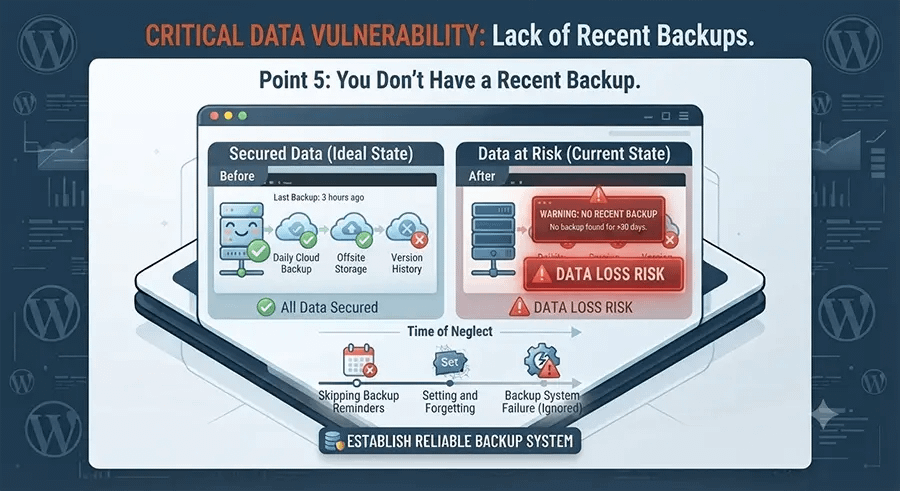
Imagine your website suddenly crashes tomorrow.
Could you restore it?
If your answer is “I’m not sure,” then your website needs better maintenance.
Backups are essential because they allow your website to be restored after:
- Human error
- Failed updates
- Malware infections
- Hosting problems
- Accidental file deletion
A reliable backup strategy means your business can recover quickly instead of rebuilding everything from scratch.
6. Your Website Shows Signs of Malware or Suspicious Activity

Security threats continue to evolve every year.
Some common warning signs include:
- Visitors being redirected to unknown websites
- Spam pages appearing in Google
- Unknown administrator accounts
- Sudden traffic drops
- Hosting suspension notices
- Unexpected advertisements
- Strange files appearing on the server
Ignoring these signs can make the problem much worse.
Regular maintenance includes security monitoring and helps detect suspicious activity before serious damage occurs.
7. Your Website Doesn’t Display Properly on Mobile Devices
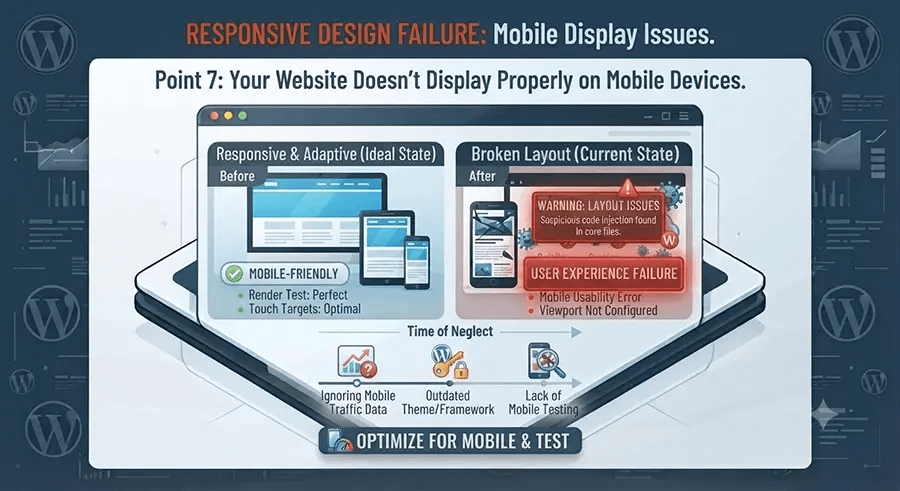
More than half of all website visitors now browse using smartphones or tablets.
If your website:
- Doesn’t fit smaller screens
- Has broken layouts
- Displays overlapping text
- Has buttons that are difficult to tap
then visitors may quickly leave your site.
Maintenance isn’t only about security—it also includes checking that your website continues working properly across modern browsers and mobile devices.
8. Your Hosting Environment Has Changed
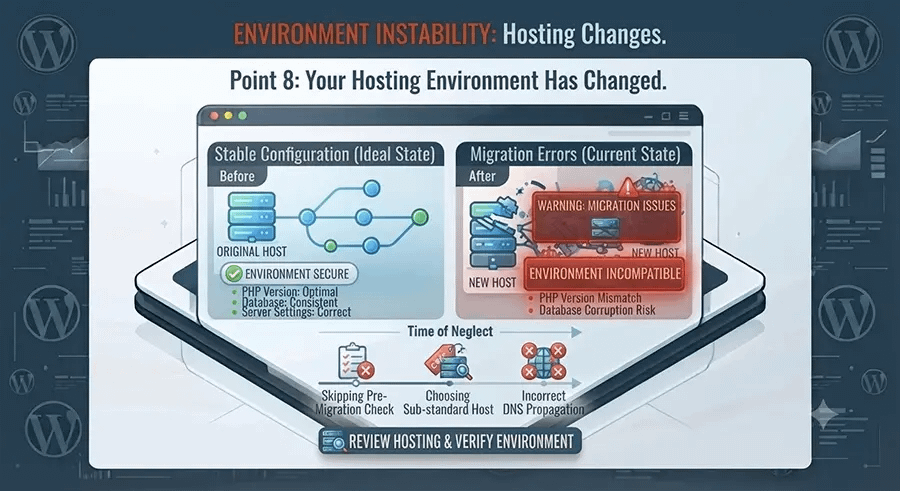
Hosting companies regularly upgrade servers to improve security and performance.
These upgrades may include:
- New PHP versions
- Database updates
- Server configuration changes
- Security enhancements
Older WordPress websites sometimes experience compatibility problems after these upgrades.
Routine maintenance ensures your website remains compatible with modern hosting environments while taking advantage of newer technologies.
9. You Simply Don’t Have Time
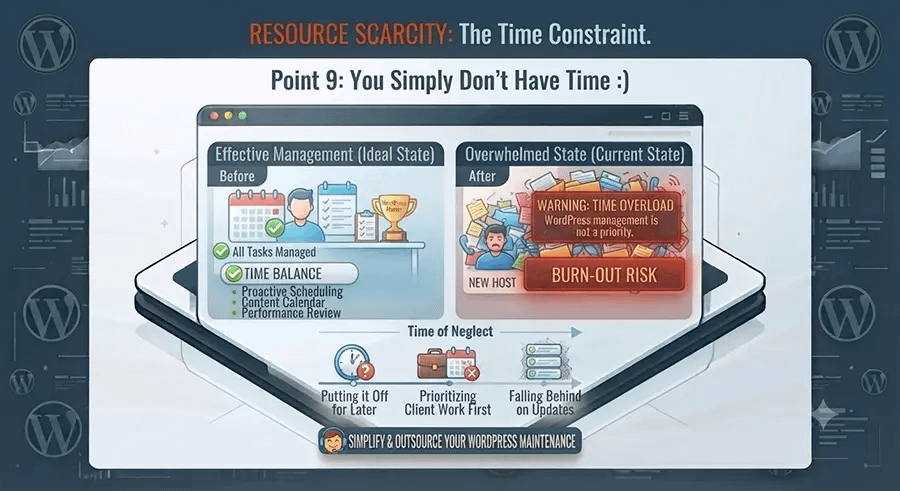
Many business owners know their website needs attention.
They just don’t have the time.
Instead of worrying about:
- WordPress updates
- Plugin compatibility
- Security monitoring
- Backups
- Speed improvements
- Broken forms
they choose to have professionals manage everything behind the scenes.
This allows them to focus on running their business while their website continues operating smoothly.
What Can Happen If Website Maintenance Is Ignored?
Delaying maintenance may seem harmless at first, but small issues often become much larger problems over time.
Without regular maintenance, your website may experience:
- Security vulnerabilities
- Malware infections
- Slow loading pages
- Broken functionality
- Lost enquiries
- Lower visitor trust
- Unexpected downtime
- Higher repair costs
Preventive maintenance is almost always more affordable than emergency recovery after something goes wrong.
What Does Professional WordPress Maintenance Include?
A quality maintenance plan should include much more than clicking the “Update” button.
At Come2theweb, our maintenance service typically covers:
- WordPress core updates
- Theme and plugin updates
- Regular website backups
- Security monitoring
- Bug fixes
- Performance reviews
- Compatibility testing
- Technical support when needed
If we identify additional issues, we can also help with Website Speed Optimization, WordPress Security & Malware Fix, Managed Web Hosting, and Custom WordPress Development to keep your website running efficiently.
Why Ongoing Maintenance Saves Money
Some businesses avoid maintenance because they believe it’s an unnecessary expense.
In reality, regular maintenance often prevents:
- Emergency repair costs
- Revenue lost from website downtime
- Expensive malware cleanup
- Rebuilding broken websites
- Customer frustration caused by website errors
Small preventive improvements throughout the year are usually far less expensive than fixing major problems after they occur.
Final Thoughts
Your website is one of your most valuable business assets. It represents your brand, generates enquiries, and helps potential customers learn about your services.
Like any important business asset, it deserves regular care.
Professional WordPress maintenance keeps your website secure, fast, and reliable while reducing the risk of unexpected problems. Whether your website is brand new or has been online for years, ongoing maintenance helps ensure it continues supporting your business instead of creating unnecessary headaches.
If you’re unsure whether your website is receiving the attention it needs, now is a good time to review its health before small issues become costly repairs.